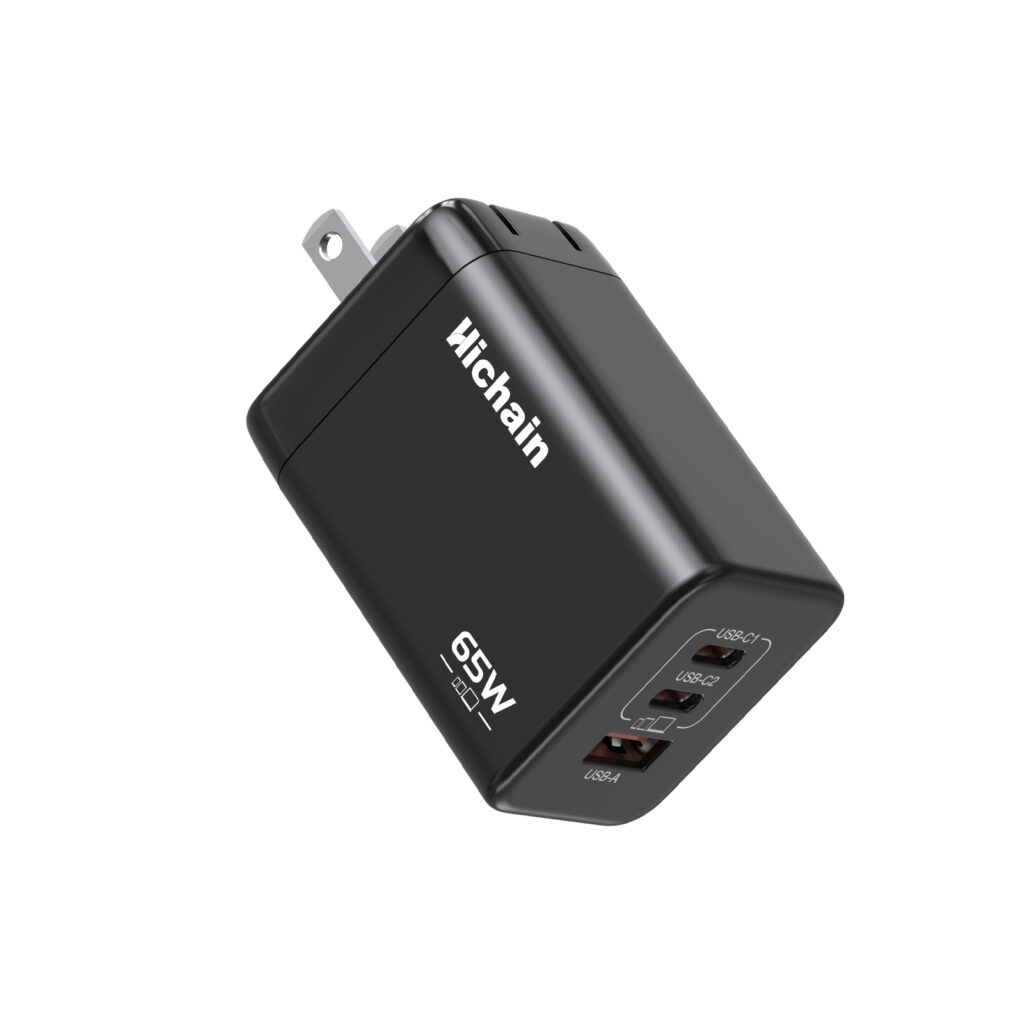
I. Principle of Dynamic Power Allocation
- The Mystery of Power Sharing: Multi-port chargers typically have intelligent chips that can monitor in real-time the connection status of devices on each port and their power requirements. When multiple devices are connected, the chip dynamically allocates power based on the devices’ needs and the charger’s total power limit. This ensures reasonable power distribution and prevents overloading.
- Flexible Power Allocation Switching: For instance, a multi-port charger rated at 100W total power with a single-port maximum output of 65W. If only a fast-charge-supported laptop is connected, the charger fully outputs 65W. However, if a smartphone and a tablet are connected simultaneously, the charger allocates power proportionally (e.g., 20W to the phone, 30W to the tablet, and 50W to the laptop). This intelligent dynamic power allocation enables the charger to meet various devices’ charging needs but may slow down individual device charging speeds.
II. Differences in Multi-Port Charger Strategies
- Interface Design and Power Allocation: The interface types and quantity of multi-port chargers affect power allocation. Some chargers have multiple interfaces like USB-C and USB-A. Different interfaces may have different power limits and priorities. For example, USB-C typically supports higher power output and gets priority in power allocation during multi-device charging. USB-A, on the other hand, has relatively lower power allocation. When selecting a multi-port charger, users should consider their devices’ needs and habits to choose a charger with appropriate interface types and allocation for optimal charging.
III. Port Combination Suggestions to Avoid Overheating
- Device Power Matching Principle: To prevent overheating due to unreasonable power allocation, users should connect devices with similar power ratings to different ports of the charger. For example, connect two smartphones supporting 20W fast charging separately rather than connecting a 65W fast-charge-supported laptop with a 10W regular-charge tablet. Proper device ensures more balanced power allocation and reduces safety risks caused by localized high power.
- Usage Scenarios and Safety Considerations: When traveling, multi-port chargers are convenient for charging various devices like smartphones, tablets, and headphones. To ensure safety, choose multi-port chargers that meet national standards and have certifications like overvoltage, overcurrent, and short-circuit protection. These protective features can cut off power in abnormal charging situations, preventing device damage and accidents. Also, avoid using multi-port chargers in harsh conditions like high temperatures and humidity to prolong their lifespan and ensure safe charging.
IV. Overheating Protection Mechanisms of Multi-Port Chargers
- Internal Heat Dissipation Design: Many modern multi-port chargers use advanced heat dissipation technologies like gallium nitride (GaN). GaN materials feature high-frequency efficiency and low loss, reducing heat generation during high-power output. For example, Xiaomi’s GaN multi-port charger, when continuously outputting 100W power, will increase its internal temperature to about 52°C and then reduce the power to around 65W to prevent overheating.
- Temperature Monitoring and Intelligent Regulation: Some high-end chargers have built-in temperature sensors that monitor key points in real-time. Once abnormal high temperatures are detected, the charger automatically reduces power output or cuts off power to avoid overheating risks.
- Overcurrent Protection and Current Limiting Design: Chargers are usually equipped with overcurrent protection devices. When abnormal currents are detected, they immediately limit the current to a safe range to prevent excessive heat generation.
V. Handling Abnormal Heating
- Cleaning Plugs and Sockets: Oxidation or dust accumulation can cause poor contact between plugs and sockets, leading to abnormal heating. Regularly clean the contact points of plugs and sockets with alcohol swabs to ensure good electrical contact.
- Inspecting Chargers and Devices: If the charger heats up and the charging speed drops significantly, it may indicate aging internal components of the charger or device. It is advisable to test or replace them promptly.
- Stopping Use and Power Disconnection: If the charger becomes extremely hot (e.g., too hot to touch for long), emits a burnt smell, or sparks, immediately stop using it and cut off the power.
This is our product, please click to view